
Product tour
Everything between
you and the next episode.
IPTVX is one app covering five jobs: finding something, watching it live, playing it properly, keeping it organised, and picking it up again on another device. Here is what that looks like in practice.
What IPTVX is
IPTVX is a media player for accessing live TV, movies and series from users’ own compatible playlists. It does not provide channels or streaming content.
01
Discovery
Your library, arranged so something always catches your eye.
Metadata, artwork and categories are pulled into rows, collections and a search that understands titles, series and people — not just a list of everything you own.
Rows and metadata depend on what your playlist provides. Titles missing artwork or guide data will be presented more plainly.

Rows shaped by what you watch
Recommended, trending and recently added rows sit alongside your own collections, so a large library still opens with a point of view.
Search that reads people too
Search by title, series or actor, then narrow with filters instead of scrolling the same long list again.
Explore by genre and year
Move through your catalogue the way you browse a shelf — by genre, by decade, by the mood of the evening.
Custom metadata
Correct the artwork and details your source supplied so a title looks the way you expect it to.
02
Live TV
A guide you can actually read from the sofa.
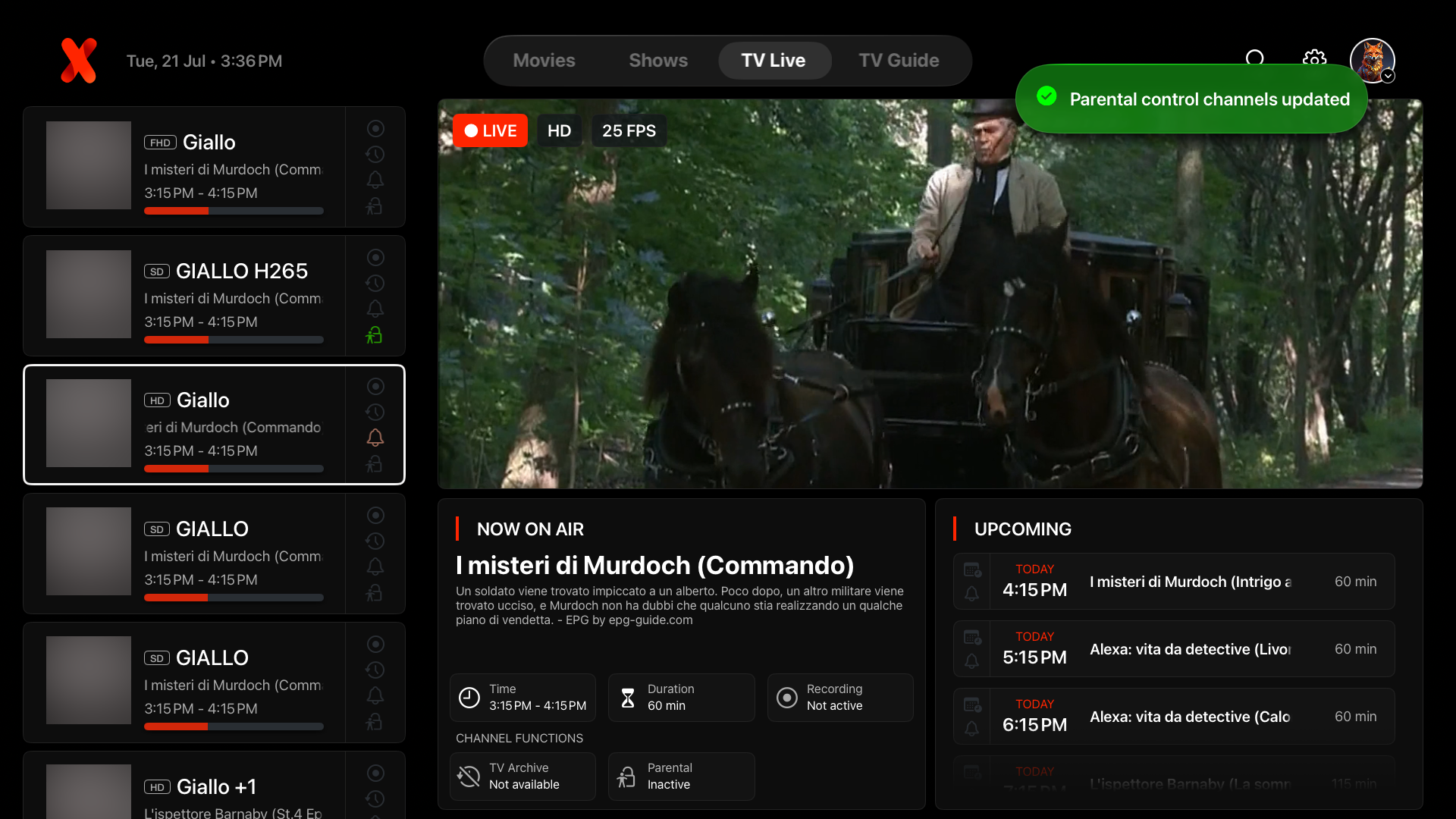
Channels arrive in a programming grid with what is on now and what is next, so choosing something live is a decision rather than a guess.
Guide data, catch-up and programme availability come from your source. Channels your playlist sends without guide information will appear without programme details.

Electronic programme guide
A grid of channels and programmes, matched to guide data from your source, with the current slot highlighted.
Live TV search and reminders
Find a channel or programme directly, and set a reminder so an upcoming broadcast does not slip past.
Chronological channel order
Switch between logical channel numbering and a chronological list when the numbering your provider sends is not the one you think in.
Last watched and already watched
Pick up where you left off on live channels without hunting for the same one again.
03
Playback
Controls that stay out of the way of the picture.
A player built for long evenings: track and subtitle selection, a queue, skip intro, and a control layer that dims the moment you stop touching it.
What a title can offer — tracks, intro markers, casting — is decided by how your source packaged it. Playback quality cannot exceed the stream your provider delivers.
Subtitles and audio tracks
Switch embedded tracks mid-playback, and add external subtitles where your files are not already carrying them.
Continue watching
Progress is remembered per title, so an interrupted episode resumes at the right moment.
Picture in Picture
Keep watching in a floating window while you use the rest of your device, where the platform and the device allow it.
AirPlay 2 audio and video
Send playback to a supported Apple device or speaker from an Apple device, when the source allows it.
Playback queue
Line up the next episode or film instead of navigating back through the library at the end of each one.
Skip intro
Jump past title sequences on titles where the intro has been identified.
04
Organisation
Favourites, order and privacy that stay yours.
Everything you add can be sorted, tagged, renamed and pinned, so the library reflects your habits rather than the order it arrived in.
Locks apply inside IPTVX on the device. They are not a substitute for device-level restrictions or for managing what your provider sends.
Favourites with tags
Collect titles and channels into favourites, then tag them so a group means something to you.
Custom favourites and category order
Drag your own running order for favourites and categories instead of accepting alphabetical by default.
Rename and reorganise categories
Rename categories from your source and set the order they appear in across the app.
Playlist PIN lock
Put a PIN in front of a playlist, so a shared device does not open straight into everything.
Parental controls
Keep adult categories and playlists behind a lock while the rest of the library stays open.
05
Device continuity
Start on the television, finish on the phone.
Your library, favourites and progress can follow you across the devices you use, with the same interface language on a television and a phone.
Sync and casting depend on platform, app version and network. A purchase made in one store is not automatically available in another.

Multiplatform sync
Progress and library state can be carried between your own supported devices when signed in, subject to your platform and configuration.
Phone pairing for TV accounts
Use your phone to help sign a television into your account instead of typing with a remote.
Universal app links
Links to titles open in IPTVX where the platform supports it, instead of in a browser.
Video casting
Send a title from a phone to a supported television or casting device when the title and network allow it.
One more source
Your own media server, as a source.
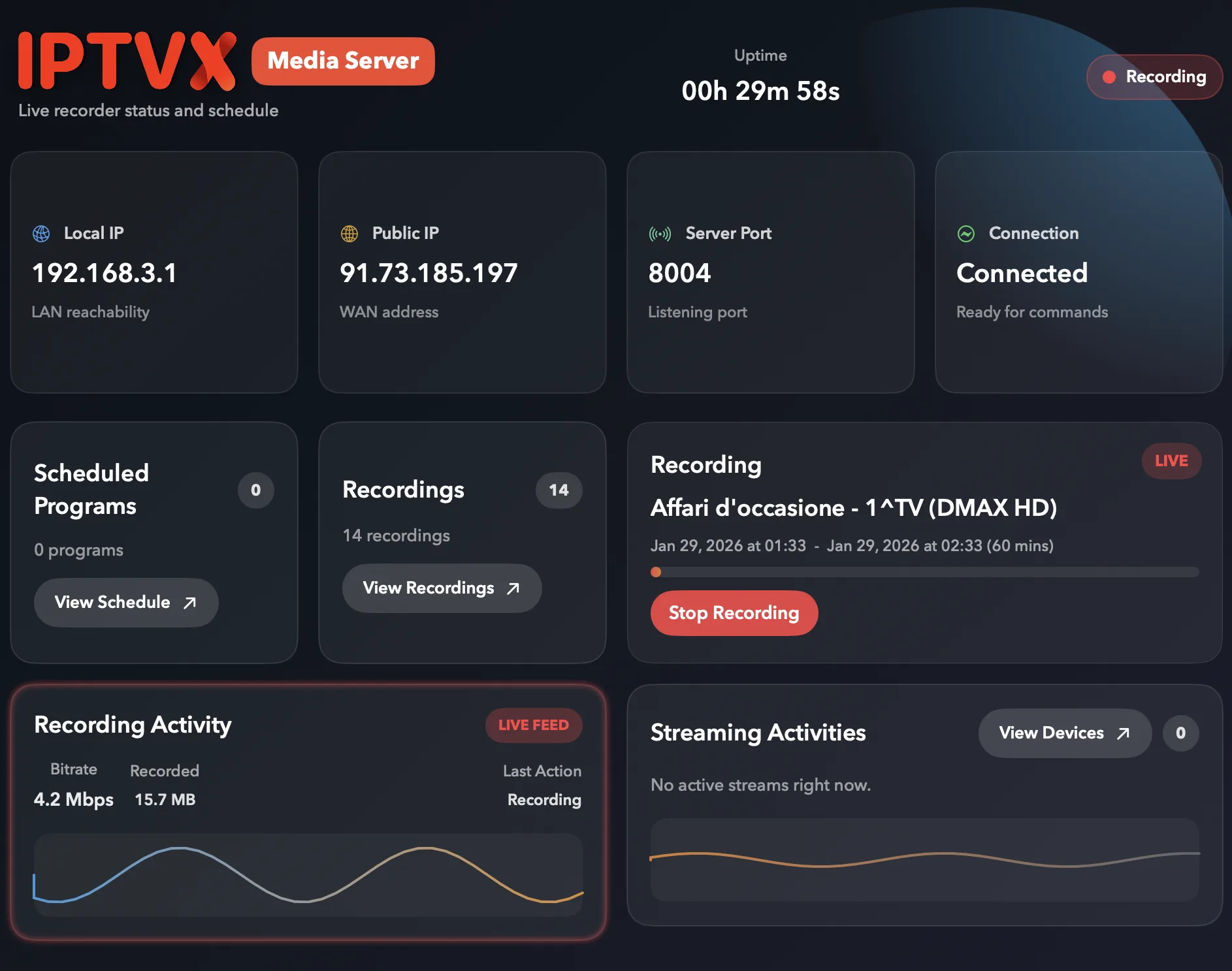
The publisher documents adding a personal media server as a source alongside your playlists — useful when the films and series you own already live on a server at home.
A source like this is configured inside the app, by you. IPTVX does not supply, host or index any content, and this website cannot configure a source for you.
Ready to see it with your own library?
Choose your device and bring the content you are authorised to watch.